
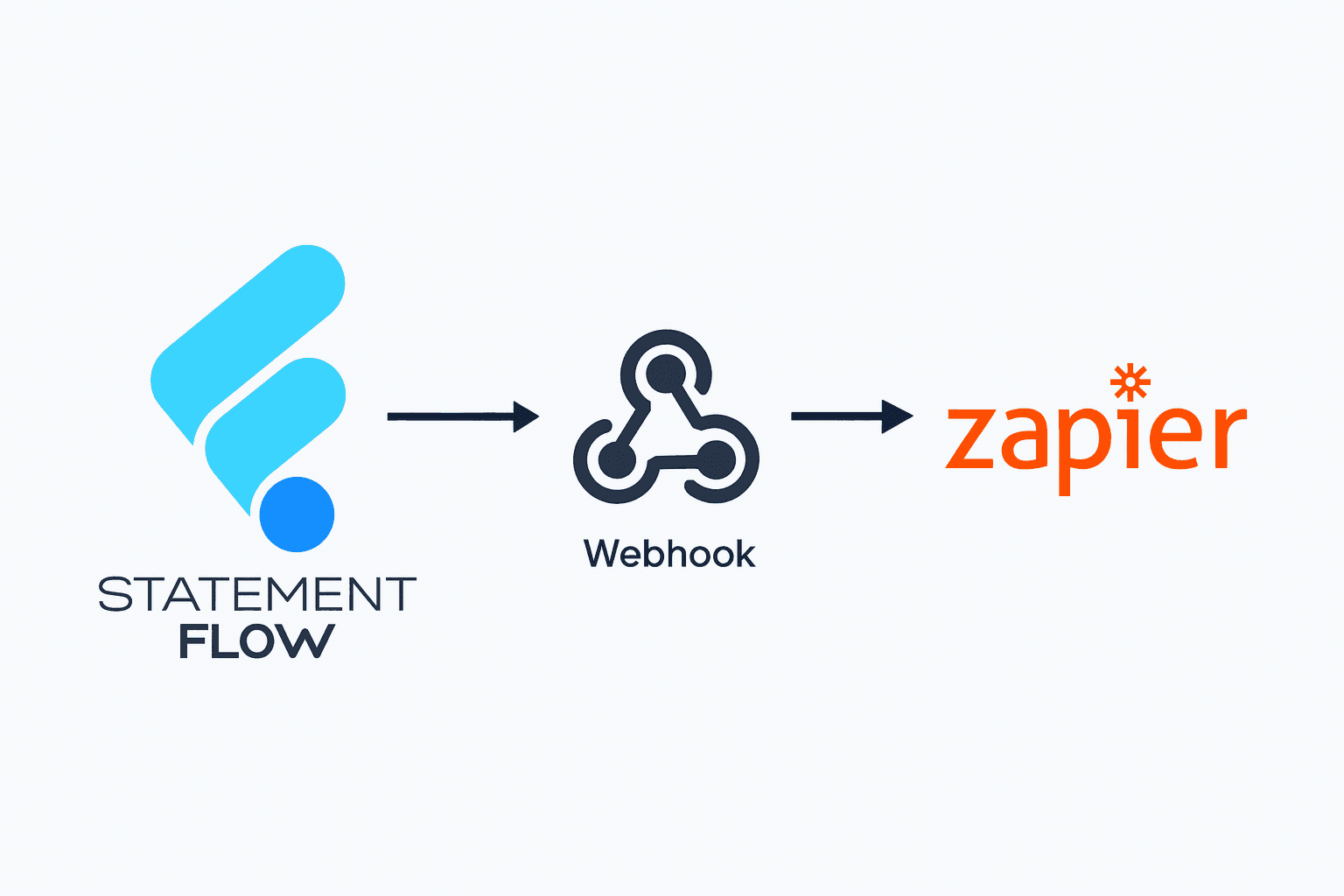
How to Integrate Zapier with Statement Flow's Webhook
Sep 19, 2025
Upload a PDF or image. Our AI extracts every transaction and delivers clean, formatted files in seconds — no manual typing, no errors.
Drag & drop your bank statement here
PDF, PNG, JPG up to 10MB • Files deleted after 24 hours
Choose FileYour data is private, secure, and never shared.
Statement
...and 142 more transactions
Converted Output
...and 142 more transactions
Bank-Grade Security
256-bit encryption
99.7% Accuracy
AI-powered OCR
4.9/5 from 2,000+ users
Your Data, Your Control
Deleted after 24 hours
Trusted by Finance Teams
and Bookkeepers
It slows down month-end close, creates errors, frustrates clients, and keeps you stuck doing data entry instead of higher-value work.
"Why am I still doing this manually?"
Data entry is repetitive work machines should handle
"There has to be a faster way"
Your time should go to client strategy, not CSV cleanup
"If this CSV breaks again, I'm losing hours"
Every error compounds with each manual step
"I can't scale like this"
More clients means more manual work, not more revenue
Trusted by accountants, bookkeepers, and businesses across the U.S. & Canada




Benefit
Automatically extract every transaction, line by line.
Direct QBO files ready for import, no extra steps.
First-try accuracy that reconciles totals with no cleanup needed.
For firms and fintechs, integrate our OCR into your own systems.
Files are never stored; conversions happen securely in real time.
Convert statements in USD, CAD, and more with accurate currency recognition.
How it works

Create an account quickly and securely to get started. Simply upload your bank statement (PDF or image).
Our AI OCR instantly extracts transactions, balances, and account details — eliminating manual entry and reducing errors.
View your final extracted data online or download your files via CSV, Excel, or even export to QuickBooks.
No credit card required · Cancel anytime
"StatementFlow saved me hours of manual entry every week. The accuracy is incredible, even on scanned PDFs!"

Muzamal Hussain
CPA, Toronto
Build custom portals, and fintech and tools effortlessly with statement extracting functionality using StatementFlow
Explore All





Blogs
Sep 19, 2025

Jul 19, 2025

Aug 13, 2025
FAQ's
No credit card required · Cancel anytime